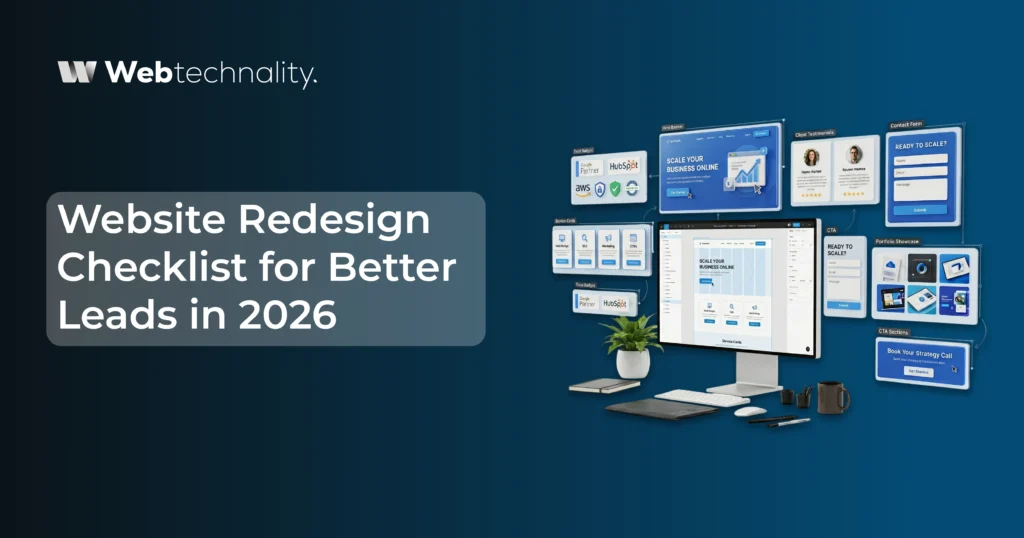
A website redesign is one of the highest-stakes investments a business makes in its digital presence. Done well, it transforms your site from a passive brochure into an active lead generation engine. Done poorly, it burns budget, disrupts your existing SEO rankings, and produces a beautiful site that converts worse than the one it replaced.
The difference between these two outcomes almost always comes down to whether the redesign was driven by a conversion strategy or by a desire for a visual refresh. In 2026, with AI features, search evolution, and rising customer expectations all converging, the stakes are higher than ever.
At Webtechnality, we have redesigned hundreds of business websites over 10+ years. This checklist is built from the real lessons of what works and what fails, organized into six phases that cover every critical dimension of a redesign that is built to generate more leads from day one.
According to a 2026 HubSpot analysis, 73% of businesses that underwent a website redesign in the past two years reported that their redesigned site did not meet their lead generation goals within the first six months. The primary cause in 78% of those cases: no defined conversion strategy before design began.
Why Most Website Redesigns Fail to Improve Leads
Before we get to the checklist, it is worth understanding the failure modes so you can deliberately avoid them.
| Common Mistake | What Actually Happens | How to Avoid It |
|---|---|---|
| Design before strategy | Beautiful site with no conversion path | Define audience, journey, and CTAs first |
| Ignoring current SEO | Rankings drop after launch | SEO migration plan before any URL changes |
| No baseline metrics | Cannot measure if redesign worked | Cannot measure if the redesign worked |
| Skipping mobile testing | 60%+ visitors get a broken experience | Mobile-first design as a non-negotiable requirement |
| Slow page speed | High bounce rate kills conversions | Core Web Vitals targets set before design begins |
| Generic CTAs | Visitors do not know what to do next | Audience-specific, action-oriented CTAs on every page |
| No AI features planned | Retrofitting costs more later | Document current conversion rate, traffic, and leads |

Strategy and Discovery
Every effective redesign starts with answers, not designs. This phase should take at least two to three weeks and cannot be skipped.
Strategy and Discovery
- Define your primary and secondary target audience profiles with specific detail
- Document your current website’s baseline metrics: traffic, conversion rate, bounce rate, leads per month
- Map your ideal customer’s full journey from awareness through to inquiry
- Identify the top 3 reasons visitors currently leave without converting
- Define what conversion means for each page and each audience segment
- Audit your current top-performing content and pages
- Define your redesign success metrics before the project starts
- Inventory every system the new site needs to integrate with: CRM, email platform, analytics, booking tools
- Decide which AI features you want to build in from day one
- Set your Core Web Vitals performance targets
UX and Conversion Design
Design is not decoration. Every element should serve a purpose in moving a visitor toward the action you want them to take. This is where the vast majority of redesigns lose their lead generation potential.
UX and Conversion Design
- Design for mobile first, then scale up to desktop — not the reverse
- Define one primary CTA per page that matches the visitor’s intent at that stage of the journey
- Remove every element on each page that does not support the primary CTA
- Write benefit-led, audience-specific headlines — not company-centric ones
- Place social proof adjacent to conversion points, not only on a dedicated page
- Design lead capture forms with the minimum required fields — every extra field costs submissions
- Create distinct conversion paths for each audience segment
- Design a homepage that answers three questions in under 8 seconds: What do you do, who is it for, what should I do next
- Include trust signals above the fold on service and contact pages
- Design pricing or service pages to reduce friction, not create it
- Create a 404 page that retains visitors rather than losing them entirely
SEO and Content Migration
This is the phase most businesses handle the worst. A redesign that does not protect and build on your existing SEO equity will drop your rankings, sometimes significantly, within weeks of launch.
SEO and Content Migration
- Export a complete list of all current URLs before making any changes
- Create a 301 redirect map for every URL that will change in the new site
- Maintain or improve existing page titles and meta descriptions for top-performing pages
- Preserve all high-authority blog posts and content — do not delete pages with existing traffic
- Implement full schema markup on every page type: Organization, LocalBusiness, Service, FAQPage, Article, BreadcrumbList
- Optimize every image with descriptive alt text and compressed file sizes
- Build a clean, logical internal linking structure that distributes authority across key service pages
- Create an XML sitemap and submit it to Google Search Console immediately after launch
- Ensure every page has a unique, keyword-aligned title tag under 60 characters
- Ensure every page has a unique meta description under 155 characters with a clear value proposition
- Add FAQ sections with FAQPage schema to every core service and product page
- Verify your robots.txt is not accidentally blocking search engine crawlers after launch
Technical Performance
A slow website loses leads before they ever see your offer. In 2026, speed is not just a user experience concern. It is a ranking factor and a direct conversion variable.
Technical Performance
- Achieve a Google PageSpeed Insights score of 90 or above on mobile
- Largest Contentful Paint (LCP) under 2.5 seconds on mobile
- Cumulative Layout Shift (CLS) score under 0.1
- Total Blocking Time (TBT) under 200 milliseconds
- Compress all images and serve them in WebP or AVIF format
- Implement lazy loading for images and videos below the fold
- Enable browser caching and CDN delivery for static assets
- Minify CSS, JavaScript, and HTML files
- Implement HTTPS with a valid SSL certificate across the entire domain
- Ensure the site renders correctly on all major browsers and devices
- Test all forms, buttons, and interactive elements on both desktop and mobile before launch
- Verify Google Analytics 4 and conversion tracking are firing correctly on all key pages
AI Features and Integrations
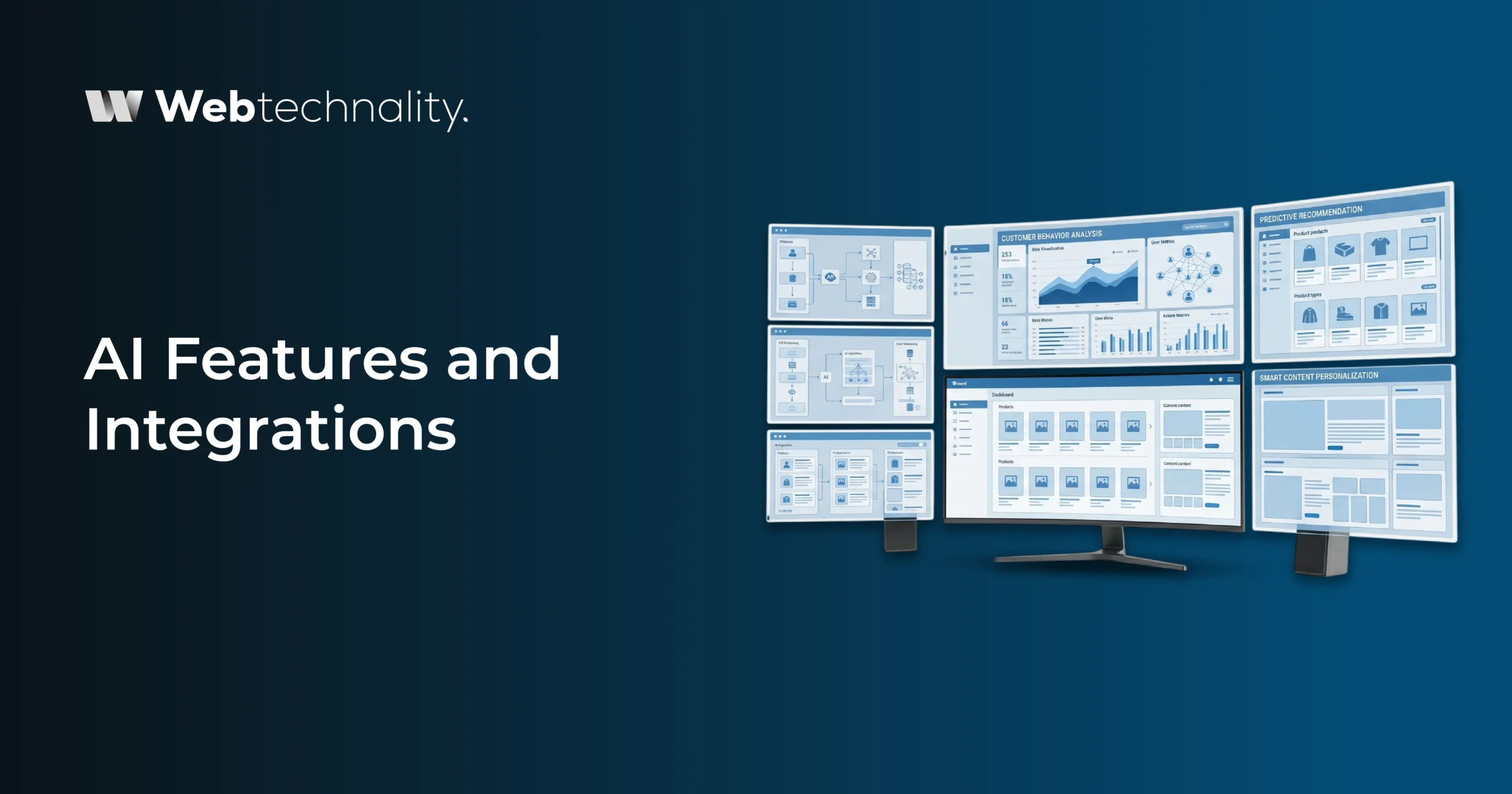
A redesign is the best possible moment to add AI features because you are already rebuilding the foundation. Adding them now costs far less than retrofitting them into a completed site six months later.
AI Features and Integrations
- Implement event tracking for all key behavioral signals: page visits, scroll depth, button clicks, form interactions, video plays, and downloads
- Connect your CRM with bidirectional data sync so lead data flows in real time
- Integrate an AI chat agent on high-intent pages: pricing, contact, service pages
- Set up predictive lead scoring connected to your CRM and website behavior data
- Implement dynamic content personalization for returning visitors and audience segments
- Add intelligent site search if your site has more than 20 pages of content
- Set up automated email sequences triggered by specific behavioral signals
- Integrate review and testimonial automation to collect and display social proof continuously
- Ensure your architecture is API-first to make future AI feature additions straightforward
Planning a Website Redesign in 2026?
Webtechnality specializes in conversion-focused website redesigns that protect your SEO, add AI features from day one, and generate measurably more leads from launch. Get a free redesign consultation today.
Book Your Free Redesign ConsultationPre-Launch and Post-Launch
The work does not end when the design is approved. A launch checklist and a post-launch monitoring plan are the difference between a smooth transition and a chaotic week of fixing things that should have been caught earlier.
Pre-Launch and Post-Launch
- Complete a full pre-launch QA pass on every page across desktop, tablet, and mobile
- Verify every redirect in your 301 redirect map is working correctly
- Confirm all forms are submitting and routing to the correct CRM pipeline
- Verify all tracking codes are firing on correct pages
- Submit your new XML sitemap to Google Search Console within 24 hours of launch
- Request indexing for your homepage and key service pages immediately post-launch
- Monitor Google Search Console for crawl errors and coverage issues daily for the first two weeks
- Track your core conversion metrics daily for the first 30 days
- Set up automated ranking monitoring for your top 20 target keywords
- Schedule a 30-day post-launch review to assess performance and identify quick wins
Frequently Asked Questions
How long does a website redesign take in 2026?
A professional website redesign typically takes 6 to 14 weeks, depending on the size of the site, the complexity of integrations required, the number of stakeholders involved in approvals, and whether custom web app development or AI features are included. Rushed redesigns that skip discovery and testing phases almost always underperform compared to properly planned projects.
How do I make sure my redesign generates more leads?
Start with a clear conversion strategy before touching any design element. Define your ideal customer, map their journey through your site, create intentional conversion paths for each audience segment, and build every page with a clear next action. Then layer in AI features like predictive lead scoring and personalization to amplify those conversion paths.
Will a redesign hurt my current SEO rankings?
A poorly executed redesign can damage your rankings. Common causes include URL changes without proper 301 redirects, loss of existing content, and removal of internal linking structure. A properly planned redesign that follows the SEO migration checklist in Phase 3 should maintain or improve your current rankings.
What is the most common mistake in website redesigns?
The most common mistake is prioritizing visual design over conversion strategy. Many businesses end up with a beautiful new website that converts worse than their old one because no one defined the lead generation goals before the design process started. Strategy must come before aesthetics every time.
Should I include AI features in my website redesign?
Yes, if the timeline and budget allow. A redesign is the ideal moment to build an AI-ready architecture because adding AI features to a completed site often requires expensive retrofitting. Building with API-first architecture and proper data tracking from the start makes AI feature addition much more efficient and cost-effective.
How do I measure if my website redesign improved lead generation?
Track visitor-to-lead conversion rate, number of qualified leads per month, time-on-site, bounce rate by page, and form completion rate. Compare these metrics to your pre-redesign baseline over a 60 to 90-day period after launch to get a fair and accurate performance picture.
How much does a website redesign cost with Webtechnality?
Webtechnality’s website redesign projects vary based on scope, platform, number of pages, and integrations required. We provide detailed project scoping and transparent pricing during a free consultation so you know exactly what to expect before committing to anything.
The Bottom Line
A website redesign is not just about how your site looks. It is about how well it works. And in 2026, working well means generating qualified leads consistently, ranking in an increasingly AI-driven search landscape, loading fast on every device, and adapting intelligently to every visitor it encounters.
Use this checklist as your north star. Every item on it represents a lesson learned from a real project where skipping it cost a business leads, rankings, or time. None of it is optional if your goal is a redesign that genuinely moves your business forward.
The businesses that follow a strategy-first, technically sound, AI-ready redesign process will have websites that outperform their competitors for the next three to five years. The ones that treat a redesign as a visual refresh will find themselves back at square one in 18 months, wondering why it is not working.
Build a Website That Generates Leads from Day One
Webtechnality handles every phase of this checklist — from discovery and strategy to launch and post-launch optimization. Let us build you a site that works as hard as you do. Schedule a free consultation today.
Schedule Your Free ConsultationAbout Webtechnality
Webtechnality is a best Design agency in Kingman, Arizona, specializing in web design, AI development, ecommerce, and digital marketing. With 10+ years of experience and 5,000+ projects delivered, we help businesses build websites that generate real leads, rank in search, and scale with their growth.