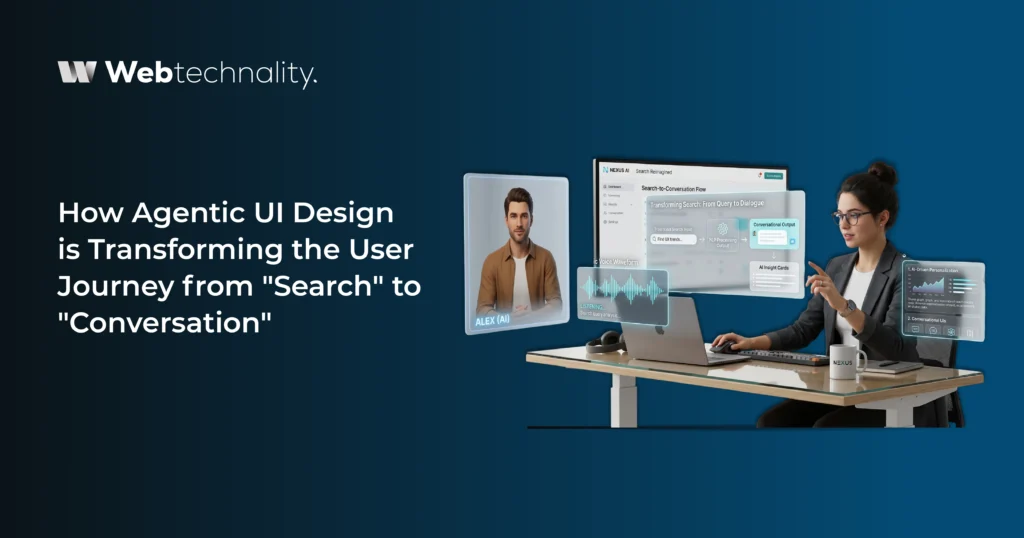
For more than 20 years, the way we used the internet was simple. You opened Google, typed a question, got a list of blue links, clicked one, scrolled through a page, and hopefully found the answer. That was the user journey. Search, click, scroll, repeat.
But something is changing fast in 2026. Users are not searching anymore. They are asking, giving goals instead of keywords. And the websites and apps that understand this shift are the ones winning today.
This change is being driven by something called agentic UI design. It is a new way of building digital experiences where the interface does not just sit and wait for clicks. Instead, it listens, thinks, and acts like a smart assistant.
In this blog, we will explain what agentic UI design is, how it is changing the user journey, why it matters for your business, and how you can start using it before your competitors do.
By 2029, agentic AI will autonomously resolve 80 percent of common customer service issues without human intervention, cutting operational costs by up to 30 percent.
What is Agentic UI Design?
Agentic UI design is the practice of building user interfaces that work with AI agents. Instead of forcing users to click through menus, fill out forms, or hunt for information, the interface understands what the user wants and helps them get there fast.
In simple words, agentic UI design turns your website or app into a smart assistant rather than a static page.
A regular website asks the user to do all the work. Find the menu. Click the right link. Read the page. Compare options. Fill the form. Submit. Wait.
An agentic interface flips this around. The user just says what they want, and the system figures out the rest. It might pull data, take action, ask one or two clarifying questions, and deliver the result. The user does less. The system does more.
The Old User Journey vs The New User Journey
Let us look at how the user journey is changing in 2026.
| Step | Old Journey (Search Based) | New Journey (Conversation Based) |
|---|---|---|
| Step 1 | Open search engine | Open app or website |
| Step 2 | Type keywords | Type or speak a goal |
| Step 3 | Scan through results | Interface understands intent |
| Step 4 | Click a link | AI agent gathers info or takes action |
| Step 5 | Read content manually | User gets exactly what they need |
| Time taken | 5 to 15 minutes | Under 60 seconds |
The difference is huge. In the old journey, users do all the heavy lifting. In the new journey, the interface does it for them. That is what makes agentic UI design so powerful.
Why is This Shift Happening Now?
A few big trends are pushing this change.
1. AI is Finally Smart Enough
Large language models have made it possible for interfaces to actually understand what users mean, not just what they type. This has made conversation a real option, not a frustrating gimmick.
2. Users Expect More
People are tired of clicking through ten pages to do one task. They want quick answers and instant action. If your site forces them to dig, they leave.
3. Mobile and Voice are Everywhere
More people are using voice assistants and mobile apps than ever. These devices work better with conversation than with menus and buttons.
4. Competition is Fierce
Businesses that adapt to agentic UI design are seeing better conversions, higher engagement, and lower bounce rates. The ones that do not are falling behind.

Core Principles of Agentic UI Design
If you want to build interfaces that work in 2026 and beyond, here are the key principles to follow.
1. Design for Goals, Not Clicks
Old design was all about reducing clicks. The new design is about reducing thinking. Users want to express a goal and have the system handle it. So design around outcomes, not steps.
2. Mix Conversation and Visuals
Pure chat is not always the best answer. Sometimes a button, a card, or a visual list works better. The best agentic interfaces switch smoothly between conversation and visuals depending on what the user needs.
3. Build for Multimodal Input
In 2026, users do not just type. They speak, take photos, upload files, and switch between devices. Your interface should accept all of these naturally.
4. Make the AI Transparent
When an AI agent does something, the user should see what is happening. If the agent is searching, show it. If it is taking action, explain it. Hidden AI feels creepy. Visible AI feels helpful.
5. Keep the Human in the Loop
Even with smart agents, users need control. Always give people a way to pause, edit, or stop the AI when they want. This builds trust.
6. Personalize in Real Time
A great agentic interface adapts to each user. It learns their preferences, remembers their past actions, and tailors the experience without being intrusive.
How Agentic UI Design Improves the User Journey
Let us look at the real benefits of moving from search to conversation.
- Faster Results: Users get answers in seconds, not minutes
- Higher Conversions: When users find what they need quickly, they take action
- Better Customer Support: Instant solutions without long FAQs or tickets
- Stronger Brand Loyalty: Smart, helpful sites earn repeat customers
- Lower Drop Off Rates: Visitors stay longer when they get real help
Real World Examples of Agentic UI Design
To make this clearer, here are some examples of how businesses are already using agentic UI design in 2026.
🛍️ E commerce
Instead of browsing 500 products, a user types “I need a warm jacket for skiing under $200.” The agentic interface pulls up the top three matches, shows reviews, and even offers to add the best one to the cart.
✈️ Travel Booking
A user says “I want a 4 day trip to Dubai next month with a beach view hotel.” The interface plans the entire trip, books flights, picks a hotel, and creates an itinerary. The user just approves and pays.
🏦 Banking
Instead of clicking through five menus to transfer money, the user just types “Send $500 to my brother.” The agentic interface confirms the recipient, verifies the user, and completes the transfer.
🩺 Healthcare
A patient says “I have a headache and feel tired.” The interface asks a few questions, suggests possible causes, and books an appointment with the right doctor if needed.
In every case, the user does less. The interface does more. And the experience feels effortless.
Common Mistakes to Avoid
While agentic UI design is powerful, many businesses get it wrong. Here are the top mistakes to watch out for.
❌ Mistake 1: Replacing Everything with Chat
Not every task is best done through conversation. Some tasks, like browsing or comparing options, work better with visuals. Use chat where it adds value, not everywhere.
❌ Mistake 2: Hiding the AI
If users do not know an AI is working behind the scenes, they get confused or feel manipulated. Always be clear about what the AI is doing.
❌ Mistake 3: Forgetting Accessibility
Make sure your agentic interface works for everyone, including users with disabilities. Voice input, screen readers, and keyboard navigation are still must-haves.
❌ Mistake 4: No Human Backup
AI agents are great, but they are not perfect. Always have a clear path for users to reach a human if they need to.
❌ Mistake 5: Ignoring Speed
A slow agentic interface is worse than no agentic interface. If the AI takes too long to respond, users leave. Speed is everything.
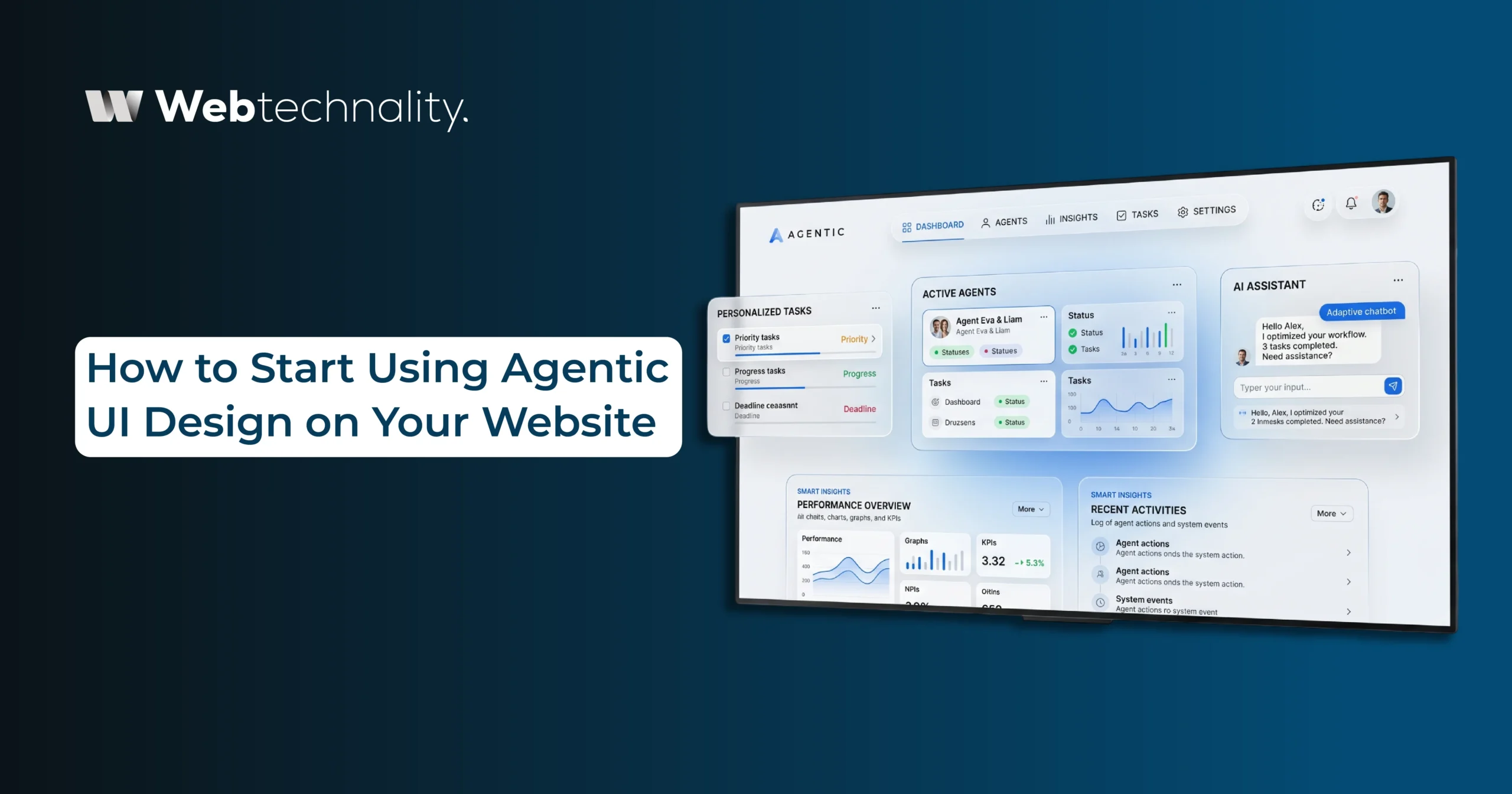
How to Start Using Agentic UI Design on Your Website
If all of this sounds exciting and you want to bring it to your business, here is a simple roadmap.
- Audit your current user journey. Find out where users are getting stuck, leaving, or struggling.
- Identify high-impact areas. Focus on the steps where adding conversation or AI would make the biggest difference. Often this is search, checkout, or customer support.
- Choose the right technology. There are many tools and platforms available to add agentic UI features to your site. Pick one that fits your business needs.
- Design with the user in mind. Test with real users. Watch how they interact and improve based on what you learn.
- Launch small. Do not overhaul everything at once. Start with one feature, see how it performs, and expand from there.
- Keep improving. Agentic UI is not a one-time project. It learns and grows with use. Keep tweaking it based on feedback and data.
Most businesses see a 20 to 40 percent boost in conversions within the first 3 months of adopting agentic UI features.
Frequently Asked Questions
Q: What is agentic UI design in simple words?
Agentic UI design is a way of designing websites and apps where the interface acts like a smart assistant. It understands user goals and helps them get what they need quickly, instead of making them click through menus or fill out forms.
Q: Is agentic UI design only for big companies?
No. Small and medium businesses can also benefit from agentic UI design. Even simple features like a smart search bar or a goal-based chat assistant can make a big difference in conversions and user experience.
Q: Will agentic UI design replace traditional websites?
Not completely. Traditional design will still exist for some tasks, like browsing or comparing products. But agentic features will be added to almost every website over time, blending visuals with conversation.
Q: How much does it cost to add agentic UI design to my website?
It depends on the complexity. Basic agentic features start at a few thousand dollars, while full custom systems for e-commerce or SaaS platforms are bigger investments. The good news is that the increased conversions usually pay for the cost within months.
Q: How is agentic UI different from a regular chatbot?
A Custom AI chatbot just answers questions in a pop-up window. An agentic UI understands goals, takes action across systems, and works as part of the whole user experience, including visuals, voice, and dynamic content.
Q: What kind of businesses benefit most from agentic UI design?
E-commerce stores, SaaS platforms, travel and booking sites, financial services, healthcare apps, and any business with complex user journeys see the biggest gains from agentic UI design.
Q: Do I need to rebuild my entire website to add agentic UI features?
No. You can add agentic features to your existing website gradually. Start with one area, like search or checkout, see the results, then expand to more parts of the user journey.
The Future is Already Here
The businesses winning online are the ones that have already moved from search-based interfaces to conversation-based ones. They are getting more leads, more sales, and more loyal customers, all because they understand that the user journey has changed forever.
If your website still feels like a 2015 brochure with menus, buttons, and search bars, you are leaving money on the table. The good news is that it is not too late to upgrade.
Your Next Steps:
- Review your website: Where are users dropping off or getting stuck?
- Define your goals: More leads, better conversions, or smoother support?
- Pick one area to start: Search, checkout, or customer support are great starting points
- Work with experts: Get help designing and building agentic features
- Measure and grow: Track results and expand to more areas
About Webtechnality
Webtechnality is a forward thinking web development and design agency building agentic UI experiences, AI powered websites, and modern digital platforms. From ecommerce to SaaS to enterprise apps, we help businesses upgrade their user journeys with smart, conversational interfaces that drive real growth.