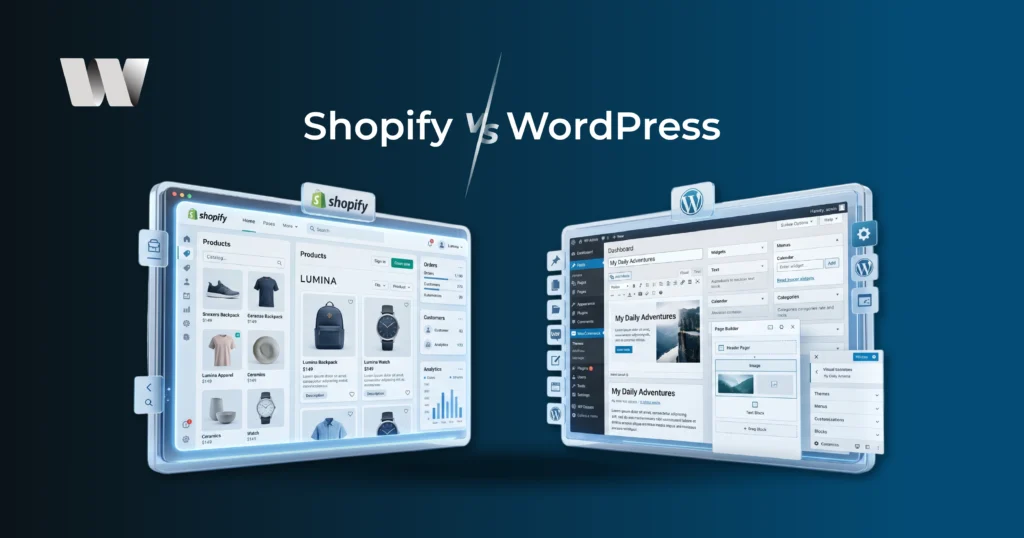
At Web Technality, we see business owners struggle with this question every single week. It’s the digital equivalent of choosing between renting a premium office in a skyscraper or building your own custom headquarters. Both have massive benefits, but the “best” choice depends entirely on where you want your business to be in three years.
When it comes to building an online presence, two of the most popular platforms that often come up are Shopify and WordPress. Both platforms have their strengths and weaknesses, and choosing between the two can be a daunting task for businesses trying to decide where to launch their websites or e-commerce stores. In this post, we’ll break down the differences between Shopify and WordPress, so you can make an informed decision about which platform is best for your business.
What Is Shopify?
Shopify is a cloud-based e-commerce platform designed specifically for businesses wanting to set up an online store quickly and efficiently. It’s an all-in-one solution, offering everything from product management to payment processing and shipping integrations. Shopify is ideal for businesses that are mainly focused on online sales and want a streamlined, easy-to-use platform that requires little technical knowledge.
What Is WordPress?
WordPress is an open-source content management system (CMS) that powers over 40% of the internet. While WordPress is primarily known as a blogging platform, it has evolved to support e-commerce through the use of plugins like WooCommerce. WordPress is highly customizable, with thousands of themes and plugins available, making it a great choice for businesses that need flexibility and control over their website.
Shopify vs WordPress: The Key Differences
Before we dive deeper into each platform, let’s take a quick look at some of the key differences between Shopify and WordPress.
| Feature | Shopify | WordPress (with WooCommerce) |
|---|---|---|
| Ease of Use | Easy to use, no technical knowledge needed. | Steeper learning curve, more control. |
| Customization | Limited customization compared to WordPress. | Highly customizable with thousands of themes/plugins. |
| Cost | Monthly subscription fee; add-ons may cost extra. | Free, but hosting and add-ons cost extra. |
| E-commerce Features | Built-in, excellent e-commerce support. | Requires WooCommerce and plugins for e-commerce. |
| Support | 24/7 customer support. | Community-based support; some premium support. |
| Security | High-level security with SSL certificates. | Security depends on hosting and plugins. |
| Hosting | Includes hosting. | Requires a separate hosting provider. |
Shopify vs WordPress | The Web Technality Perspective:
Beyond the Basics
Most guides tell you that Shopify is for selling and WordPress is for blogging. That is outdated advice. Today, you can sell on WordPress, and you can blog on Shopify. The real difference lies in Execution and Ownership.
Shopify is a “Hosted” platform. This means Shopify provides the software, the security, the hosting, and the checkout system. It is a closed ecosystem designed for speed and reliability.
WordPress is “Self-Hosted.” It is open-source software that you install on your own server. At Web Technality, we often recommend WordPress for brands that need a unique, high-authority presence that they can pivot and scale without being tied to a single provider’s rules.
Shopify vs WordPress Deep Dive:
The SEO Advantage in 2026
If your goal is to gain high traffic, you cannot ignore Search Engine Optimization. In 2026, SEO is about more than just keywords; it’s about proving your expertise to search engines.
The WordPress SEO Edge:
WordPress SEO was built for content. Search engines like Google love the way WordPress organizes information. Because you have access to the underlying code, Web Technality can optimize every technical detail, from “Schema Markup” to custom URL structures. This allows your business to rank not just for your products, but for the questions your customers are asking.
The Shopify SEO Reality:
Shopify SEO is incredibly fast, which Google loves. It handles the basics: Sitemaps, SSL certificates, and mobile responsiveness automatically. However, it is rigid. You cannot change the “permanent” parts of your URL structure. While this won’t stop you from ranking, it gives you slightly fewer tools in the shed compared to a fully customized WordPress site.
Shopify vs WordPress
The Hidden Costs of Each Platform
Many people choose WordPress because the software is free. But at Web Technality, we believe in transparency.
Shopify has a clear monthly fee. You know exactly what you’re paying for. The extra costs usually come from third-party apps that add specific features to your store.
WordPress requires you to pay for hosting, security, and maintenance. While the software is free, a high-performing WordPress site requires a quality server to ensure it doesn’t slow down. Over the long term, WordPress often proves more cost-effective for high-traffic sites because you aren’t paying “per-feature” subscriptions to a platform owner.
Shopify vs WordPress Big Picture:
Ease of Use vs. Total Control
Shopify:
The Ready-to-Move-In Apartment
Imagine walking into a luxury apartment where the furniture is already there, the internet is connected, and the security guard is at the door. That’s Shopify.
- The Experience: You sign up, pick a theme, upload your products, and you’re live. You don’t have to worry about “hosting,” “servers,” or “security updates.” Shopify handles the technical plumbing behind the walls.
- The Catch: You pay a monthly “rent,” and if you want to knock down a wall or change the plumbing, you might find that Shopify’s rules are a bit strict.
WordPress:
The Custom Build House
WordPress (specifically using the WooCommerce plugin) is like buying a piece of land. You can build whatever you want, a tiny cottage or a sprawling skyscraper.
- The Experience: You own the files. You choose where to host them. You have 100% control over the design, the code, and how the site functions.
- The Catch: You are the architect and the maintenance crew. If a pipe leaks (or a plugin breaks), it’s on you to fix it or hire someone who can.
Shopify vs WordPress
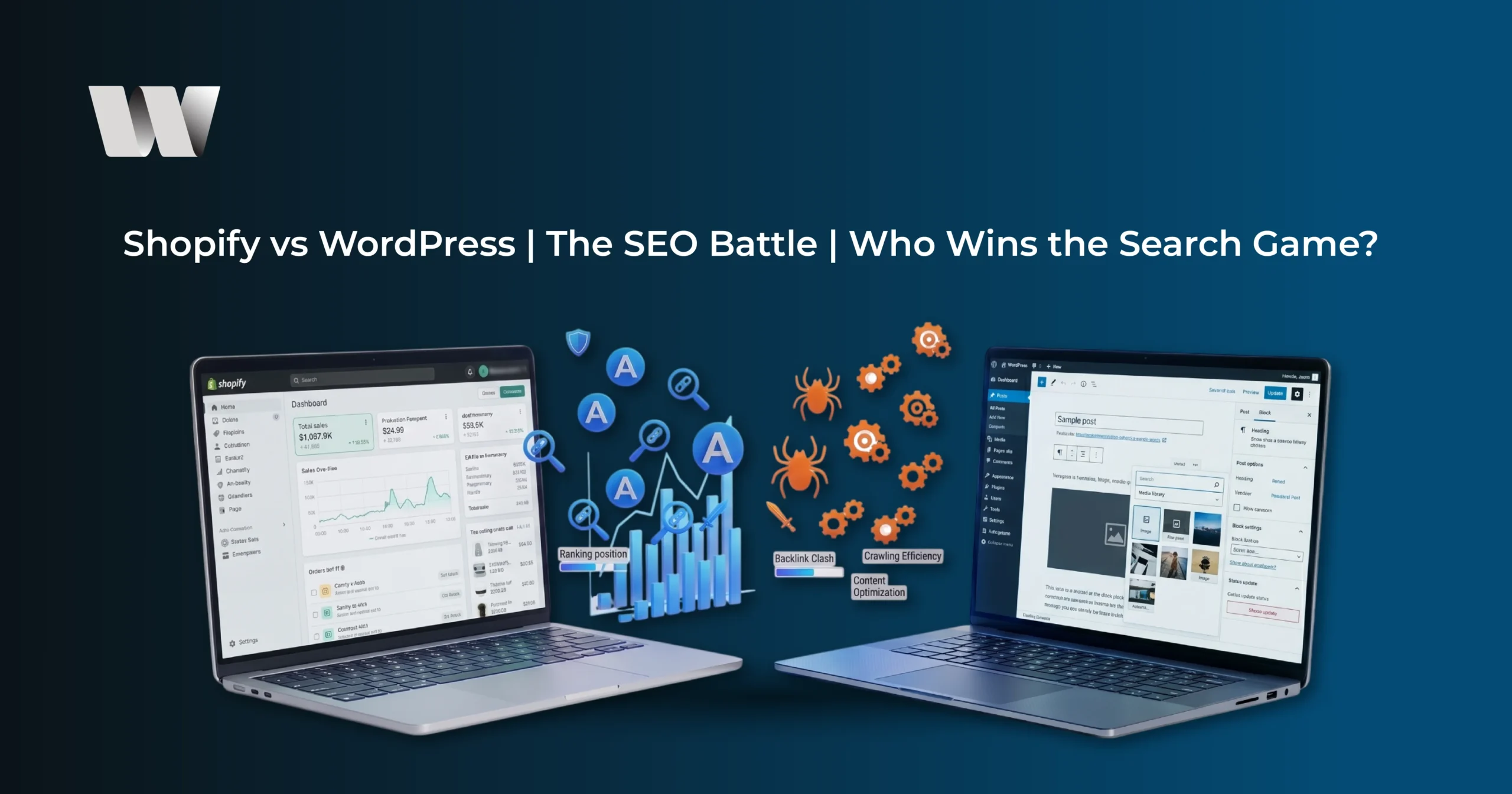
The SEO Battle: Who Wins the Search Game?
Search Engine Optimization (SEO) is how your customers find you on Google. In 2026, Google cares about speed, mobile-friendliness, and “human-first” content.
| Feature | Shopify SEO | WordPress SEO |
| Setup | Fast and automatic. Sitemaps and SSL are built in. | Manual. You need a plugin like Yoast or Rank Math. |
| Technical Control | Limited. You can’t change certain URL structures. | Total. You can tweak every single line of code. |
| Content/Blogging | Basic. Good for news, but not for heavy content. | Elite. It was built for content and “topic clusters.” |
| Site Speed | Consistently fast because it’s managed. | Variable. It can be faster than Shopify, but it depends on your host. |
The Verdict: If your business depends on content marketing (writing long guides, tutorials, or massive blogs to get traffic), WordPress is the undisputed champion. If you just want a fast store that works well for basic searches, Shopify is more than enough.
The Hidden Costs:
What’s the Real Price?
Don’t let the “free” label on WordPress fool you. Both platforms have costs; they just show up in different places.
Shopify Pricing:
- Monthly Fee: Usually starts around $29–$39/month.
- Apps: Most good Shopify apps (for reviews, loyalty programs, or upsells) have a monthly subscription fee.
- Transaction Fees: If you don’t use “Shopify Payments,” they take a small cut (0.5% to 2%) of every sale.
WordPress Pricing:
- Hosting: You’ll pay $5–$50/month to a hosting company.
- Plugins: You often pay a one-time fee or a yearly license for premium features.
- Maintenance: Unless you’re tech-savvy, you might need to pay a developer occasionally to update things or fix bugs.
The Reality: Shopify is more predictable. You know exactly what’s leaving your bank account every month. WordPress can be cheaper, but it’s more “piecemeal.”
Shopify vs WordPress Customization:
How Unique Can You Get?
In 2026, branding is everything. If your site looks like everyone else’s, you’re just another “drop-shipper.”
- Shopify uses a language called Liquid. Unless you’re a developer, you’re mostly limited to what your theme allows you to change (colors, fonts, layout sections). It’s clean and professional, but it has boundaries.
- WordPress has no boundaries. With builders like Elementor or the modern Gutenberg editor, you can drag and drop your way to a completely unique site. If you can imagine it, you can build it.
Shopify vs WordPress
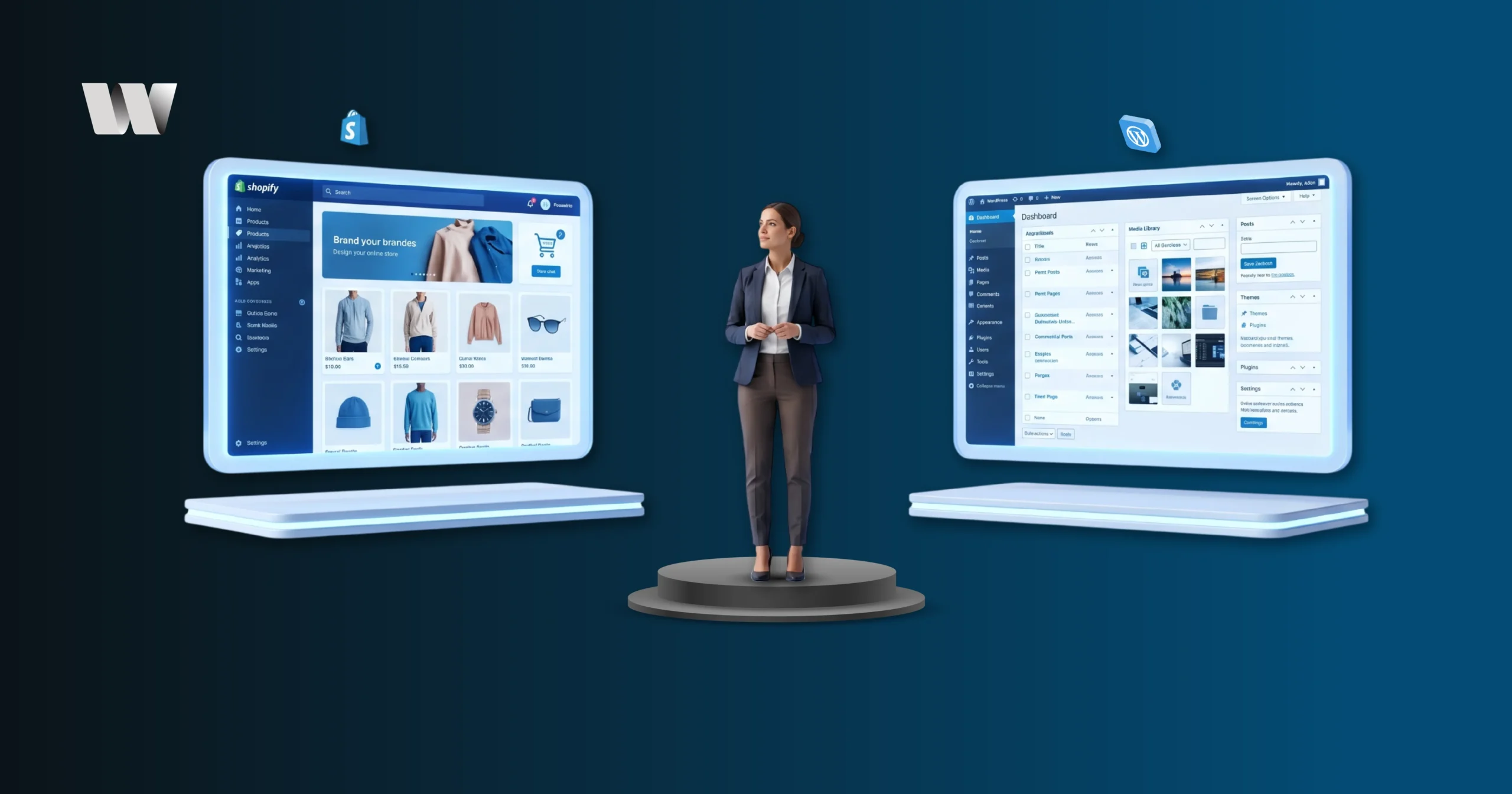
Which One Should You Choose?
Choose Shopify if…
- You want to launch fast. You can have a store running by tomorrow.
- You hate technical stuff. If “updating a server” sounds like a nightmare, stay with Shopify.
- You want 24/7 support. Shopify has a real person you can chat with whenever things go wrong.
Choose WordPress if…
- Content is your secret weapon. You plan on writing a lot of blogs and guides to get customers.
- You want total ownership. You don’t like the idea of a platform being able to “shut down” your store.
- You need complex features. If you’re running a membership site, a booking system, and a store all in one, WordPress handles that complexity better.
Shopify vs WordPress
Frequently Asked Questions (FAQs).
We don’t have a “favorite.” We match the platform to the client’s goals. If you want to launch a product line tomorrow, we suggest Shopify. If you want to build a content-driven brand that dominates search results, we suggest WordPress.
Both are excellent, but Shopify’s mobile checkout is currently the industry standard for speed and ease of use.
Yes. Since you own the “house,” you have to handle the updates. However, Web Technality often handles this for our clients so they can focus on their business.
You can use AI for research, but for ranking and leads, your content should always be human-edited. Google prioritizes “Helpful Content” that shows real expertise.
Consistent, high-quality content. Answering the specific problems your customers face is the fastest way to gain trust and traffic.
Yes, both platforms support international currencies and shipping. Shopify Markets makes this particularly easy for beginners.
Typically 3 to 6 months. SEO is a marathon, not a sprint. We build the foundation on day one, but authority takes time to grow.
In 2026, yes. A blog is the primary way you show Google that you are an expert in your field.
If it saves you 10 hours a month in technical troubleshooting, then yes, it is incredibly cheap.
Absolutely. Both Shopify and WordPress integrate seamlessly with tools like HubSpot, Zoho, and Salesforce.
WordPress. These firms usually need custom quote forms and service-specific landing pages rather than a traditional shopping cart.
Very safe. Shopify handles all the heavy lifting for security and PCI compliance.
Yes, but it often requires a “re-skinning” of your content. It’s better to choose a solid, minimalist theme from the start.
We focus on clean layouts, organized hierarchies, and high-quality design elements that guide the user’s eye toward the “Lead” button.
WordPress is significantly better for membership portals and restricted client areas.
Significantly. A one-second delay in load time can result in a 7% drop in conversions.
Yes, we can implement any hex code, like the professional #053B5B, across either platform.
WordPress, because you own the code. If a company goes out of business, your WordPress site still exists.
Yes, though Shopify has more direct integrations for dropshipping suppliers.
We set up Google Analytics 4 and custom conversion tracking so you know exactly where your leads are coming from.
You can do it yourself, but a professional ensures the technical foundation is set up correctly for SEO and lead conversion.
Yes, but we use it sparingly to ensure the site still loads quickly on mobile devices.
No. It powers over 40% of the internet and is more capable than ever in 2026.
It’s something valuable you give away (like an eBook or a calculator) in exchange for a visitor’s email address.
WordPress can have a lower monthly cost if you manage the technical side yourself.
Yes, both platforms support various live chat and AI-driven support tools.
The “Call to Action.” Within 3 seconds, a visitor should know exactly what you do and how to contact you.
Yes, both platforms allow for custom typography to match your branding.
With the WooCommerce plugin, it is very straightforward and similar to the Shopify experience.
We don’t just build websites; we build business assets. We focus on the strategy that drives traffic and the design that creates leads.
Conclusion
In the end, both Shopify and WordPress are fantastic platforms, and the best choice comes down to what you value most. Shopify excels in providing a quick, easy-to-use e-commerce solution with everything built in, while WordPress shines in offering total control and customization for those who need flexibility and are willing to manage the technical side of things.
If your primary goal is e-commerce with little hassle, Shopify may be the better option. But if you’re looking for flexibility and control over your website, WordPress with WooCommerce might be the right choice for your business.
No matter which platform you choose, both can be powerful tools in helping you build a successful online business.